Works with TallyPrime and Tally.ERP 9
Your Tally books. Anywhere you work.
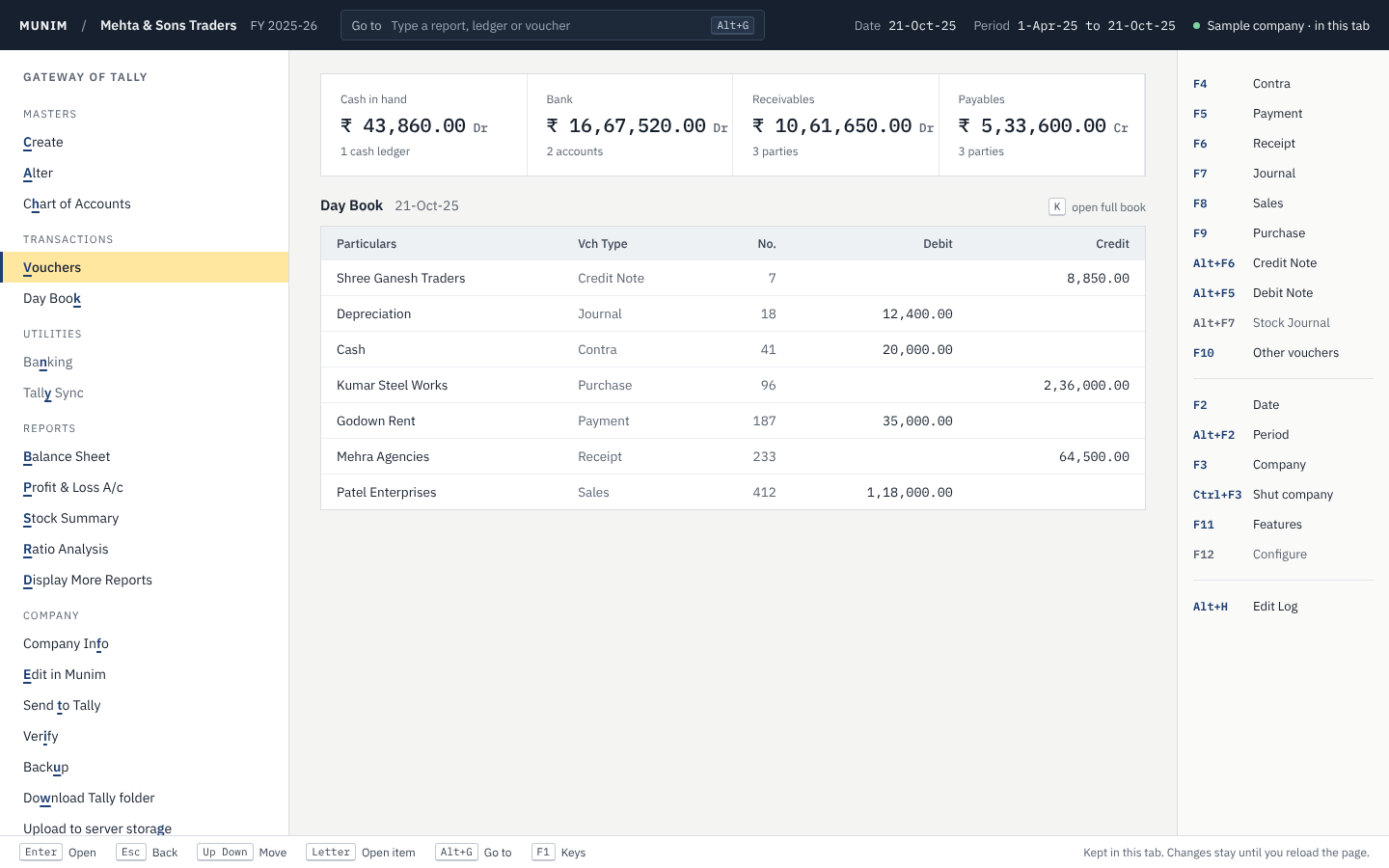
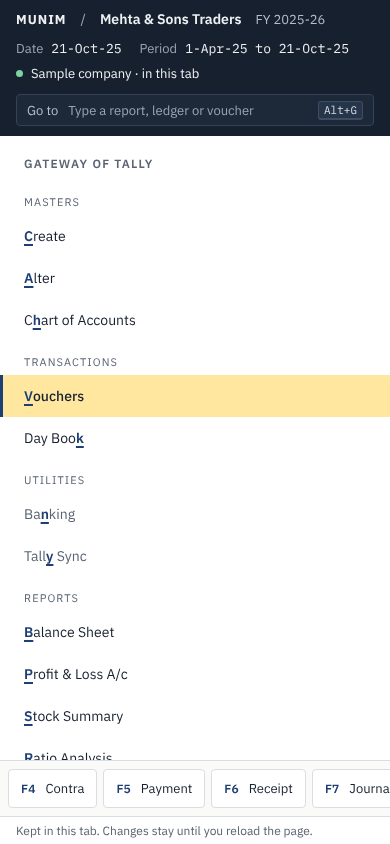
Open your Tally company in Munim. Enter vouchers with the keys you know. See the same reports, with the same numbers, on your computer, in your browser or on your phone.
Try it with a sample company first.
Made for the people who keep the books
Chartered accountants
Open the Tally company of each client and check the reports. The Tally data of your client does not change.
Business owners
See your Balance Sheet, your Profit & Loss and who owes you money, from your phone.
Accounts staff
Enter payments, receipts, sales and purchases with the same keys as Tally. You need no new habits.
What you get
The keys you know
F5 for Payment, F6 for Receipt, F8 for Sales, Alt+G for Go To. You can work with no mouse.
Reports that match Tally
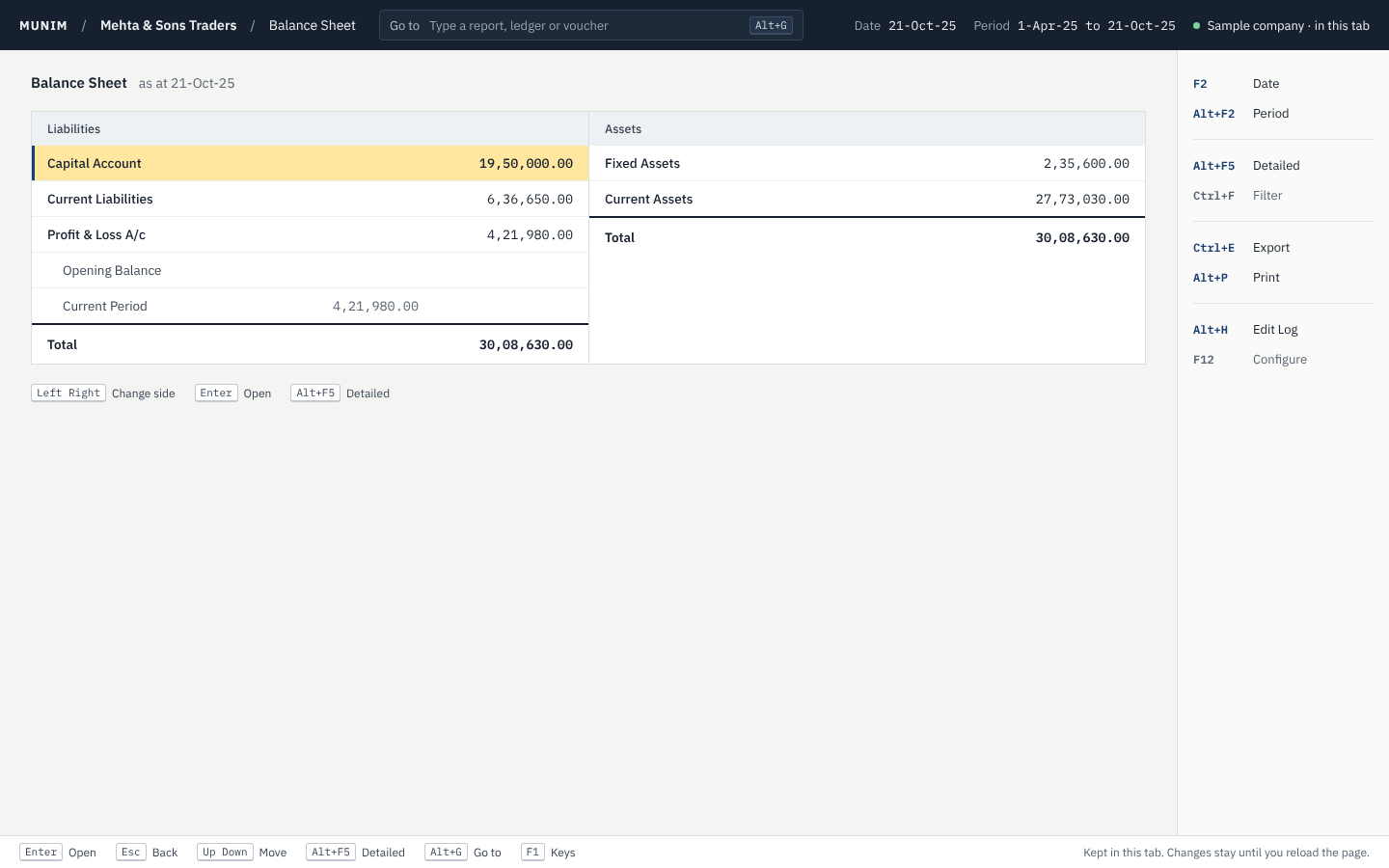
Trial Balance, Balance Sheet, Profit & Loss, Day Book, Cash Flow, Ratio Analysis and stock reports.
Every change is kept
The Edit Log shows each change to a voucher and when it happened. Get an old version back with one key.
Share with your team
Give your staff or your clients access to a company. Choose who can edit and who can only view.
Works when the internet does not
After the first visit, Munim keeps working in your browser with no connection.
Ask your AI assistant
Munim has an MCP server. Connect an assistant such as Claude and ask about your books in plain words. It reads your data securely, and only after you sign in.
Coming from Tally? Start in three steps.
-
Open your Tally company
Choose the company folder. Munim reads it as it is. Tally stays as it was.
-
Check your reports
Your Trial Balance, Balance Sheet and Profit & Loss show the same numbers as in Tally.
-
Keep working
Make changes in Munim. When you are ready, send them back to Tally.
Download the desktop app
Your companies stay on your computer. Each download has a sample company to try.
The first time you open Munim: on Windows, choose "More info", then "Run anyway". On a Mac, right-click Munim and choose Open.
Questions
Do I have to stop using Tally?
No. Munim opens your Tally company and does not change it. You can use both.
Where is my data kept?
The desktop app keeps it on your computer. The browser keeps it on your device. When you sign in, you can also keep a company on the Munim server and share it.
Can I try it before I open my own data?
Yes. Munim comes with a sample company. Open it and try the vouchers and the reports.
Do I need to install anything?
No. Munim works in your browser. If you prefer an app on your computer, download it for Windows, macOS or Linux.